Identitäts- und Zugriffsmanagement für MSPs: So automatisieren Sie Zero-Touch Onboarding und Offboarding für Ihre Kunden



Key Takeaways
- MSPs can achieve near zero touch user onboarding and offboarding for clients by integrating HR systems, identity governance, and automated provisioning into repeatable workflows.
- Automating the full joiner–mover–leaver lifecycle reduces security risk, cuts ticket volume by 50–70%, and delivers day‑one access for every new hire.
- A managed identity access management service is a high‑margin recurring revenue stream that MSPs can package in tiered offerings.
- This article walks through concrete architecture patterns, tools, and step‑by‑step options MSPs can implement in 2026 to deliver lifecycle management at scale.
Introduction: Why MSPs Need Automated Identity Access Management Now
Since 2020, hybrid work and SaaS sprawl have made manual user management unsustainable. Managed Service Providers routinely encounter time consuming problems: new hires waiting days for a user account, orphaned accounts lingering in Salesforce or AWS after team members leave, audit findings flagging active access for former staff, and wasted software licenses bleeding client budgets across Microsoft 365 and Google Workspace.
By 2026, most mid‑market clients expect zero touch onboarding where accounts, apps, and permissions appear automatically on or before day one. Identity and Access Management (IAM)-a cybersecurity framework of policies, processes, and technologies-paired with IGA, is the foundation for secure, scalable lifecycle management across every client environment. This article is written from the perspective of an MSP building or improving a managed identity service, not from an internal IT department.
Identity Access Management Basics for MSPs
In practical MSP terms, IAM answers one question across all client systems: who can access what, under what conditions? The core components of IAM are authentication, authorization, administration, and auditing/reporting. Authentication verifies that a user is who they claim to be. Authorization determines what resources an authenticated user can access. Administration covers the ongoing tasks of managing those identities. And auditing ties it all together with logs and reports.
Key IAM components MSPs work with daily include:
- Directory services (Microsoft Entra ID, Active Directory) to manage every user account
- Single sign‑on (SSO), which IAM tools enable for user convenience across cloud and on‑prem apps
- Multi‑Factor Authentication (MFA), which requires two or more verification methods for security
- Role‑based access control (RBAC), enforced by IAM systems to grant the right access based on job title, department, or location
- Audit logging to track and monitor every change
IAM includes user provisioning and lifecycle management tools, automates IT tasks like password resets and access monitoring, and enhances collaboration securely among employees and vendors. The contrast is stark: traditional ticket‑driven account changes versus automated, policy‑driven lifecycle management where the HR system or directory becomes the source of truth. The rest of this article focuses on translating these concepts into concrete, repeatable managed services offerings.
Understanding the Joiner–Mover–Leaver Lifecycle in Managed Services
The joiner–mover–leaver (JML) lifecycle manages identities as people join, change roles, or leave an entire organization. The JML lifecycle is crucial for Identity Governance and Administration (IGA) and forms the backbone of every MSP‑delivered IAM service.
- Joiner: When a new hire or contractor starts, a user account must be created with the right access from day one.
- Mover: When employees change roles, transfer to a new department, or shift location, their access and attributes must update dynamically.
- Leaver: When an employee exits or a contract ends, the MSP must revoke access immediately.
MSPs must also handle edge cases-rehires, interns, seasonal workers, shared accounts-with documented automation rules. The sections below map automation options to each JML phase to enable near zero touch processing.
Security and Compliance Risks of Manual JML Handling
When clients rely on email tickets and spreadsheets for JML, the risks are tangible. IAM reduces the risk of data breaches significantly, yet only about 6% of organizations have achieved fully automated IGA, according to CyberArk's 2025 report. The average cost of a data breach is $4.88 million.
Common failures MSPs encounter include:
- Leavers still active in Salesforce or AWS 30 days after exit
- Admin accounts left enabled with no manager oversight
- Contractors retaining VPN access and sensitive data well past their contract end
These gaps lead to failed ISO 27001 or SOC 2 audits, violations of GDPR access‑minimization principles, and health insurance portability and accountability act (HIPAA) access violations for healthcare clients. IAM simplifies auditing by tracking and logging user access activities, and compliance with regulatory standards is ensured by monitoring user access activities. MSSPs emerged in the late 1990s with ISPs managing firewalls, and today MSSPs help organizations meet compliance with regulations like GDPR while providing 24/7 security event monitoring services. MSSPs also reduce remediation time for cybersecurity incidents and offer cost‑efficient security through subscription models. For MSPs, automated identity governance around JML is now a minimum expectation for regulated clients.
How MSPs Can Automate User Onboarding (Joiner) with Zero‑Touch Provisioning
The target experience: as soon as HR enters a new hire with a start date, all required accounts and permissions are ready by day one with no manual IT tickets. Automated onboarding ensures access is ready from Day 1, and automated workflows speed up the permissions process for new hires. Automating onboarding reduces IT workload and increases productivity for it teams and clients alike.
The high‑level flow looks like this: HR or client system of record → account creation in a central directory → role mapping → automated provisioning to SaaS and on‑prem apps. The benefits to MSPs are fewer tickets, predictable quality, and reduced after‑hours work before a client's "new hire Monday." Different automation options exist depending on client maturity and toolset.
Option 1: HR‑Driven Automated Provisioning via Connectors
In this pattern, the client's HR system (Workday, BambooHR, Personio, ADP) is the authoritative source. When a hire event is approved, connectors trigger automated provisioning. MSPs configure connectors between HR systems and identity platforms like Microsoft Entra ID Governance or Okta to create accounts automatically. Automated provisioning ensures access is ready from Day 1 for joiners.
Attributes that drive policies include department, job title, cost center, location, employment type, and start date. Concrete tasks automated: Entra ID account creation, M365 license assignment, Teams channels, CRM access, and file share permissions. MSPs can templatize this per client vertical-for example, a standardized role bundle for a 200‑employee law firm differs from a 500‑employee retailer. Hudson Headwaters Health Network used an ADP‑to‑Active Directory integration to automate identity creation across 21 locations.
Option 2: Directory‑Driven Provisioning with Group‑Based Access
For clients without modern HR integrations, the directory itself becomes the trigger. MSPs can automate account creation via scripts or low‑code tools, then rely on security groups and Microsoft 365 groups to drive access and license assignment. This requires additional configuration but works reliably.
Group‑based provisioning rules in practice: membership in "Sales‑EU" grants access to the Salesforce EU org, a specific Teams channel set, and regional file shares. "Finance‑US" triggers access to ERP and payroll systems. MSPs manage these groups centrally through their RMM or identity governance platform, enabling standardized onboarding across multiple tenants. This approach supports hybrid support scenarios and can evolve into full zero touch once the client later integrates an HR source of truth.
Option 3: Workflow‑Based Zero Touch Using Identity Governance Platforms
Modern identity governance platforms with workflow engines-such as Microsoft Entra ID Governance lifecycle workflows-allow MSPs to design reusable workflows across client environments. When a "pre‑hire" record appears with a future start date, the workflow schedules account creation, group assignment, and welcome emails.
Concrete workflow tasks include: generate a temporary access pass, pre‑enroll MFA, create home folders, pre‑provision VPN profiles, and notify the manager automatically. These lifecycle workflows run on a schedule (for example, every 3 hours) and require no manual intervention. Mangano IT achieved 75% onboarding time reduction using reusable bot frameworks with ConnectWise Asio. MSPs can offer "Onboarding as a Service" packages, designing, hosting, and monitoring such workflows across many clients.
Automating Offboarding (Leaver): Ensuring Immediate and Complete Deprovisioning
Offboarding is where most security breaches and audit findings appear. Automated deprovisioning ensures immediate access revocation when employees leave. The goal: as soon as a termination event is set, the process runs without manual steps, protecting the business and its data.
Typical automated offboarding tasks:
- Disable sign‑in and revoke access (sessions and OAuth tokens)
- Remove access from group memberships and distribution lists
- Reclaim software licenses
- Archive mailboxes and OneDrive data according to retention policy
- Trigger equipment recovery workflows for devices
MSPs should implement time‑bound rules-disable the account immediately, delete after 30–90 days-to ensure compliance with regulatory requirements and client retention policies.
Scheduled Leaver Workflows and Grace Period Policies
MSPs configure scheduled offboarding workflows that trigger on the employee's leave date plus an offset (0, 1, or 7 days) per client policy. For example: automatically remove Microsoft 365 licenses one day after the leave date, convert the mailbox to a shared mailbox, and move OneDrive data to the manager's folder.
Multi‑step deprovisioning runs in sequence: first disable sign‑in and revoke tokens, then clean up Teams channels, Slack workspaces, and third‑party apps. MSPs monitor these workflows through history logs and alerts to prove to auditors that access was revoked on time. IntelliconnectQ eliminated 24–48 hour offboarding delays across 4,500 users by implementing scheduled workflows. Leaver events can be captured from HR feeds, ticketing systems, or manager self‑service forms to cover all exit types, including immediate terminations.
Automated License Reclamation and Cost Optimization
Organizations can save costs by recuperating software licenses during offboarding. An MSP that automatically removes unused licenses within 24 hours of a leaver across a 250‑user client paying $35/user/month for M365 E5 can reclaim thousands of dollars annually-real savings that reduce risks of budget waste.
Digacore reduced user creation time by 87% and saved 150+ monthly hours by automating these workflows. License reclamation tasks should be fully automated to truly achieve zero touch and minimize human error. MSPs can bundle these optimizations into managed services contracts as an explicit value proposition. SaaS Management for MSPs is however a different segment and is not the topic of this blog.
Handling Movers: Dynamic Access Changes Without Tickets
Role changes happen more frequently than hires or terminations. Sales reps promoted to managers, engineers moving into DevOps, staff relocating between countries-each status change can quietly create privilege creep if not automated. Dynamic access adjustment prevents privilege creep during role changes.
Identity governance policies should automatically adjust access when attributes like department, role, location, or manager change. This is essential to ensure compliance and maintain right access at all times. MSPs should target full automation for movers to reduce recurring service tickets across the entire organization.
Attribute‑Based and Role‑Based Access for Movers
MSPs rely on RBAC and attribute‑based access control (ABAC) to drive automatic adjustments. For example, when a user's department attribute changes from "Support" to "Product," workflows remove help desk tools, add users to product management apps, and update Teams memberships-all without a ticket.
Group membership and role assignment rules in Entra ID or similar platforms can be built once and reused across many client tenants. Logging and audit trails show exactly when and why access changed, which is critical for network security reviews and compliance reporting. Mover automation is often a second phase for MSPs, implemented after onboarding and offboarding workflows are stable.
Building a Repeatable Zero‑Touch Identity Service Offering as an MSP
Identity lifecycle automation is a standardized, high‑margin managed services product line. IAM improves operational efficiency by automating IT workflows, and MSPs who package this well can create a scope of services that clients demand. Key building blocks include a multi‑tenant identity platform, workflow templates, an integration library, runbooks, and monitoring dashboards.
MSPs should define service tiers-Basic (directory + licensing + group assignment), Advanced (full JML automation), Premium (governance, access reviews, managed firewall integration, ai enabled anomaly detection). Positioning zero touch in sales conversations with mid‑market clients should focus on compliance, time‑to‑productivity, and reduced internal workload.
Designing Standardized Onboarding and Offboarding Playbooks
MSPs should create reusable playbooks-documentation plus workflows-for onboarding and offboarding, tailored by client size and industry. Typical playbook contents include:
- Data flows and system of record identification
- Role catalog with app matrices per operating systems and cloud platforms
- Workflow diagrams covering every form of account change
- Exception handling procedures and approval steps
These playbooks help engineers complete implementation projects faster and ensure consistent outcomes. Checklists let client stakeholders sign off on exact behavior, reducing future scope creep and costs.
Zero‑Touch Provisioning Without API
Not every app supports SCIM or SAML. The "SSO tax"-where vendors charge extra for SSO support-and the lack of standardized provisioning APIs limit the integrations MSPs need for true zero touch. Many line‑of‑business apps still only offer manual GUI administration, creating a gap in otherwise automated workflows.
As a workaround, a tool like Corma can help go around those restrictions by using browser‑based agents to perform provisioning and deprovisioning actions directly in app interfaces. This approach handles apps that lack APIs, letting MSPs add users, remove access, and manage resources without waiting for vendors to implement SCIM. It is not as robust as native API integrations, but it fills a real gap for MSPs managing diverse client environments.
FAQ
Wie kann ein kleines MSP anfangen Onboarding zu automatisieren und Offboarding ohne große Plattforminvestitionen?
Beginnen Sie in einem einzelnen Microsoft 365- oder Google Workspace-Mandanten eines Kunden und nutzen Sie integrierte Automatisierungsfunktionen wie Power Automate, Entra Lifecycle Workflows oder einfache PowerShell-Skripte. Konzentrieren Sie sich zunächst auf Aufgaben mit hohem Volumen und geringer Komplexität – wie Kontoerstellung, Gruppenzuweisung, Lizenzentzug –, bevor Sie sich komplexen Branchenanwendungen widmen. Viele Identitätsmanagement-Tools bieten mittlerweile MSP-freundliche Lizenzmodelle an, die Sie schrittweise einführen können. Wählen Sie einen Kunden aus, automatisieren Sie dessen Joiner- und Leaver-Prozess von Anfang bis Ende und verwenden Sie das Muster dann für das nächste Unternehmen wieder.
Wie halten MSPs Kundenumgebungen getrennt und sicher, wenn sie die Identitätsverwaltung mandantenübergreifend automatisieren?
Verwenden Sie dedizierte Verwaltungskonten pro Kunde mit rollenbasiertem Zugriff und, wo verfügbar, mandantenfähige Admin-Portale. Isolieren Sie Automatisierungs-Workflows und Anmeldeinformationen pro Mandant – teilen Sie niemals Dienstkonten über nicht miteinander verbundene Kunden hinweg. Nutzen Sie Tools für das Geheimnismanagement wie Azure Key Vault, um Automatisierungstoken zu schützen, und überprüfen Sie regelmäßig die Zugriffsrechte auf die Orchestrierungsplattform. Audit-Logs sollten stets nachverfolgen, welche Aktionen in welchem Kundenmandanten ausgeführt wurden, um Compliance-Anforderungen zu erfüllen und die Kontrolle über jede Umgebung zu unterstützen.
Was ist mit älteren On-Premises-Anwendungen, die modernes IAM oder Provisioning-APIs nicht unterstützen?
Optionen umfassen On-Premises-Provisioning-Agents, die Nutzung bestehender Active Directory-Gruppen zur Zugriffssteuerung oder das Kapseln von Legacy-Anwendungen hinter SSO-Gateways wie dem Azure AD Application Proxy. Dokumentieren Sie, welche Systeme teilweise manuell bleiben, und nehmen Sie diese mit klaren Verantwortlichkeiten in Playbooks auf. Verwenden Sie PowerShell- oder Befehlszeilentools, wo verfügbar, um Teile der Kontoverwaltung zu automatisieren. Im Laufe der Zeit bilden die Daten aus diesen Lücken eine Geschäftsgrundlage für Kunden, um Altsysteme zu ersetzen oder zu aktualisieren.
Wie fügen sich automatisierte Identitäts-Governance- und Genehmigungs-Workflows in das Zero-Touch-Provisioning ein?
Zero Touch bedeutet nicht Kontrollverlust. Genehmigungen für sensible Zugriffe können mithilfe von Manager- oder Datenverantwortlichen-Workflows in Identitäts-Governance-Plattformen automatisiert werden. Ein gängiges Muster: Eine Zugriffsanfrage löst einen kurzen Genehmigungs-Workflow aus, wonach die Bereitstellung automatisch und ohne IT-Tickets erfolgt. MSPs können auch regelmäßige Zugriffsüberprüfungen konfigurieren – beispielsweise vierteljährlich –, bei denen Manager bestätigen, dass Mitarbeiter bestimmte Rollen oder Anwendungen weiterhin benötigen. Diese Governance-Funktionen helfen Kunden, Vorschriften wie SOX und DSGVO zu erfüllen, ohne den MSP-Ingenieuren zusätzliche manuelle Arbeit aufzubürden.
Bewerten Sie noch heute Ihre aktuelle Onboarding- und Offboarding-Reife und planen Sie einen ersten Automatisierungspiloten innerhalb der nächsten 90 Tage. MSPs, die jetzt in die Automatisierung des Identitätslebenszyklus investieren, werden besser aufgestellt sein, da Identitäts-Governance bis 2026 und darüber hinaus zu einer Standardanforderung in Ausschreibungen (RFPs) wird.
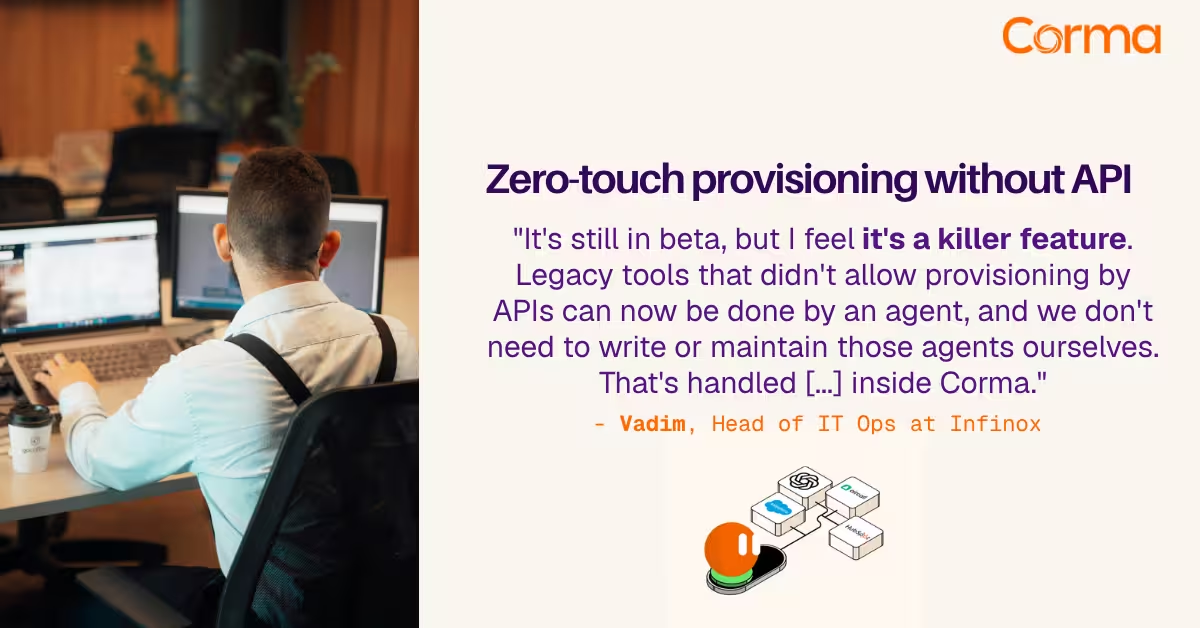
Corma’s custom agents in action at Infinox

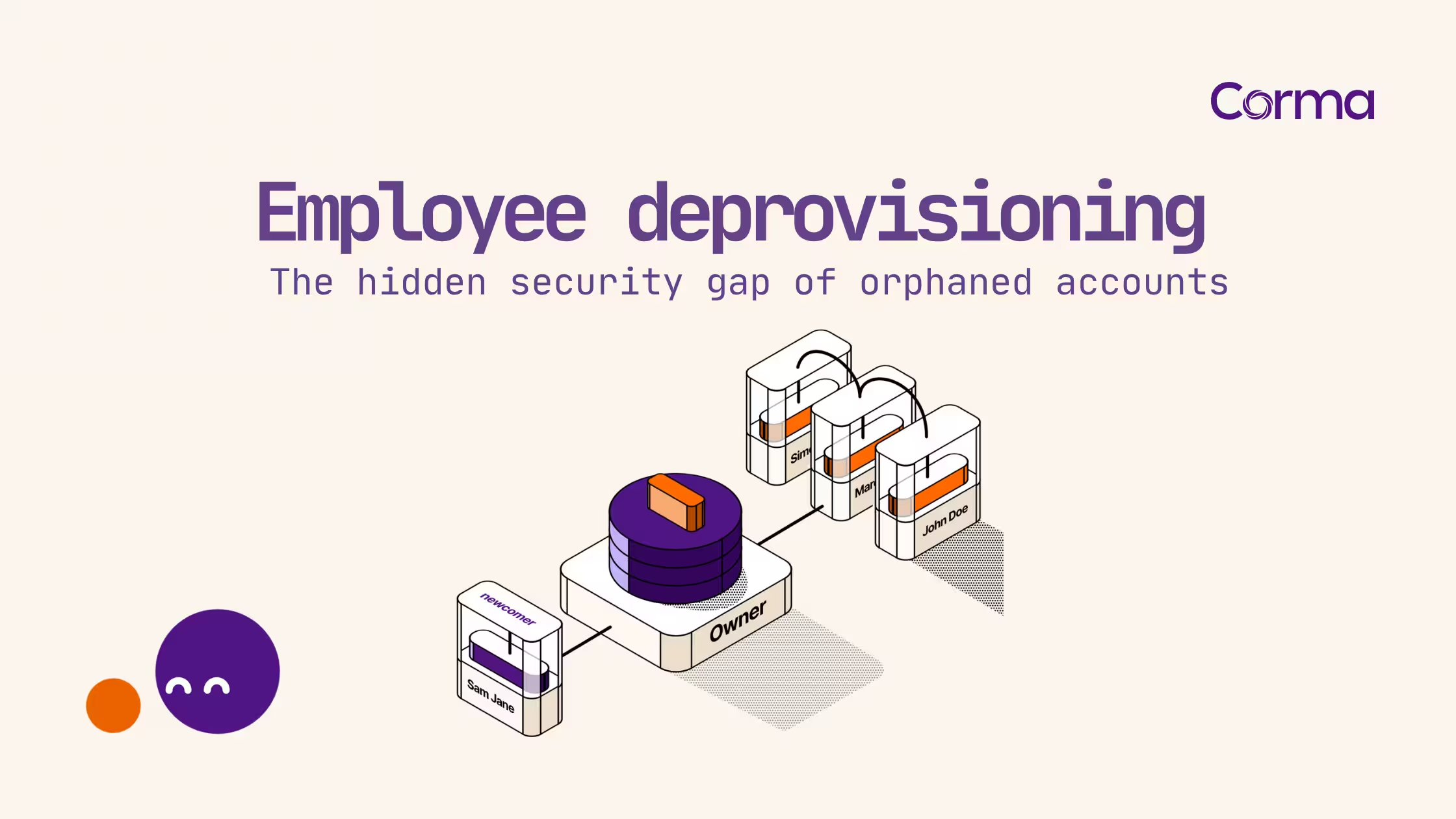
Verwaiste Konten: Offboarding und Deprovisioning richtig abschliessen
SSPM: die Sicherheitslage Ihrer SaaS-Anwendungen absichern
The new standard in license management
Sind Sie bereit, Ihre IT-Governance zu revolutionieren?