Access Requests & APprovals
Automate access request for all your apps and users
Reduce standing permissions with just-in-time access to any app, infrastructure, or resource with smart approval flows.
Outcomes you
can Measure
95%
auto-resolution rate on access requests
2 hours
average TTR on access requests with smart approval flows

Christophe Torride
Chief of Staff
Hivenet

Smart flows for Policy-Driven Approvals
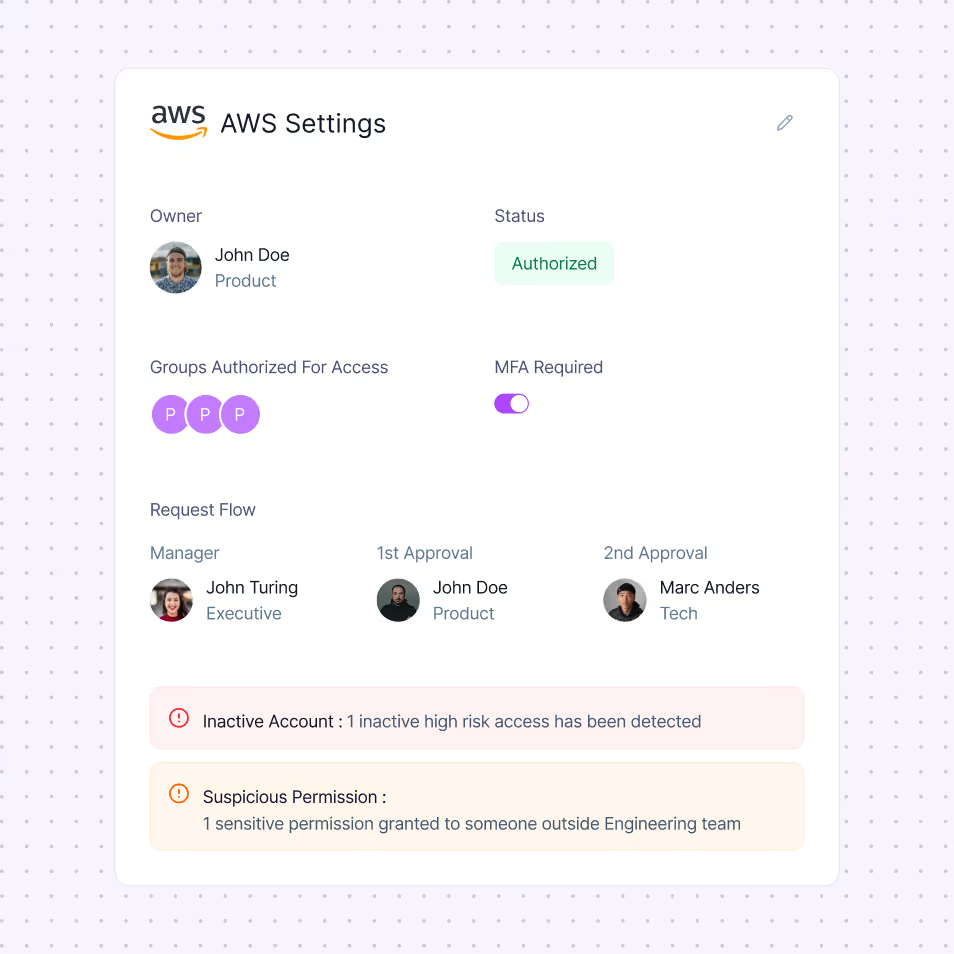
Approval flows break down when reviewers lack visibility. Corma routes every request to the right owner with the context they need to make confident, policy-driven decisions.
Approvers can decide based on how access is actually managed—not static rules to enforce step-up approvals dynamically for privileged, high-risk, or out-of-policy access.

Enforce least privilege
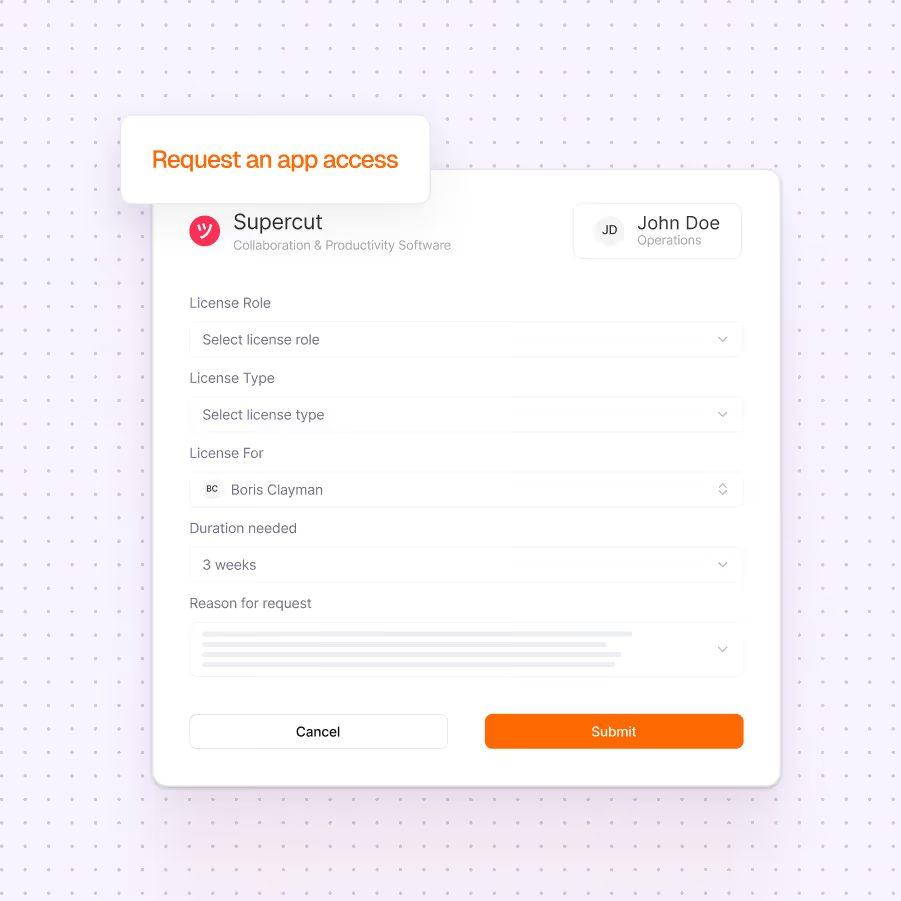
Vague access requests create overprovisioning and approval risk. Make sure your employees only have the access they really need when they need them. Get alerted for risky provisions and accounts based on usage and your access control policy.
Use time-bound access as default to prevent standing permissions. Request license type, role, and justification with built-in recommendations. Collect security-relevant context through custom fields without slowing down users.


Deliver Just-in-Time Access with Self-Service
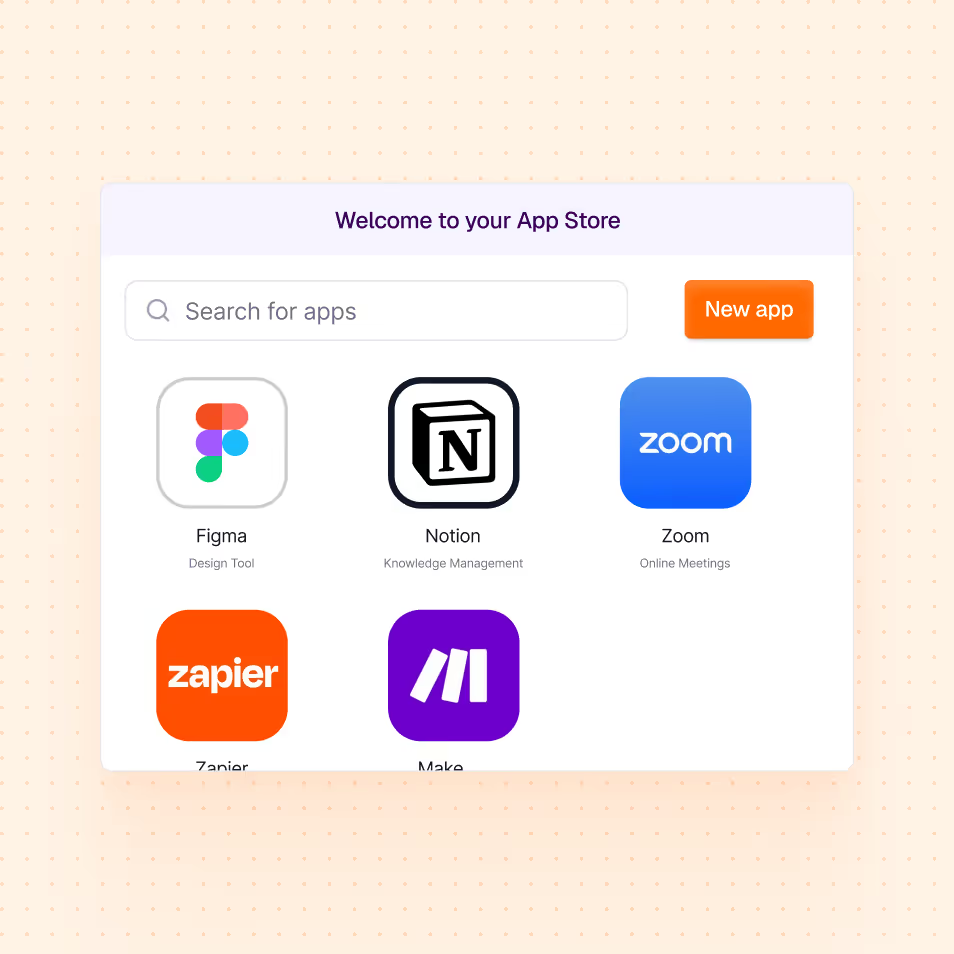
Give employees a consumer-grade experience by enabling self-service app requests in your company app store.
Admins can set access policies and collaborate with managers to review and approve requests.
Customizable Slack & Teams workflows
Access governance fails when approvals live outside daily workflows. That is why users can make requests and IT managers validate those requests via Slack or Teams. Cut resolution times by letting employees message approvers and admins directly in Slack threads.
The new standard in Access management
Ready to revolutionize your IT governance?














What is access request management?

Access request management is the process of handling employee requests for access to apps and systems through a structured, auditable workflow rather than ad hoc emails or tickets. It routes requests to the right approvers and logs every decision.
How does an access request workflow work?
An employee requests access to an app, the request is automatically routed to the right approver, and once approved, Corma provisions the access and logs the action. The whole flow is tracked, so nothing slips through unmonitored.
What is self-service access request?
Self-service access request lets employees request the apps and permissions they need from a catalog, without raising manual IT tickets. Approvals and provisioning happen automatically, which speeds up access while keeping IT in control.
How does automating access requests improve security?
Automation enforces approval policies consistently and creates a complete audit trail. Access is granted only after the right approval, then deprovisioned when no longer needed, which reduces standing privileges and the risk of orphaned accounts.
How does Corma handle user access requests?
Corma turns access requests into automated self-service workflows. Employees request access in one click, approvals are routed and tracked, access is provisioned automatically, and every step is logged for security and compliance.
.avif)
.avif)