Okta Lifecycle Management: Scope, Price and Coverage Gaps



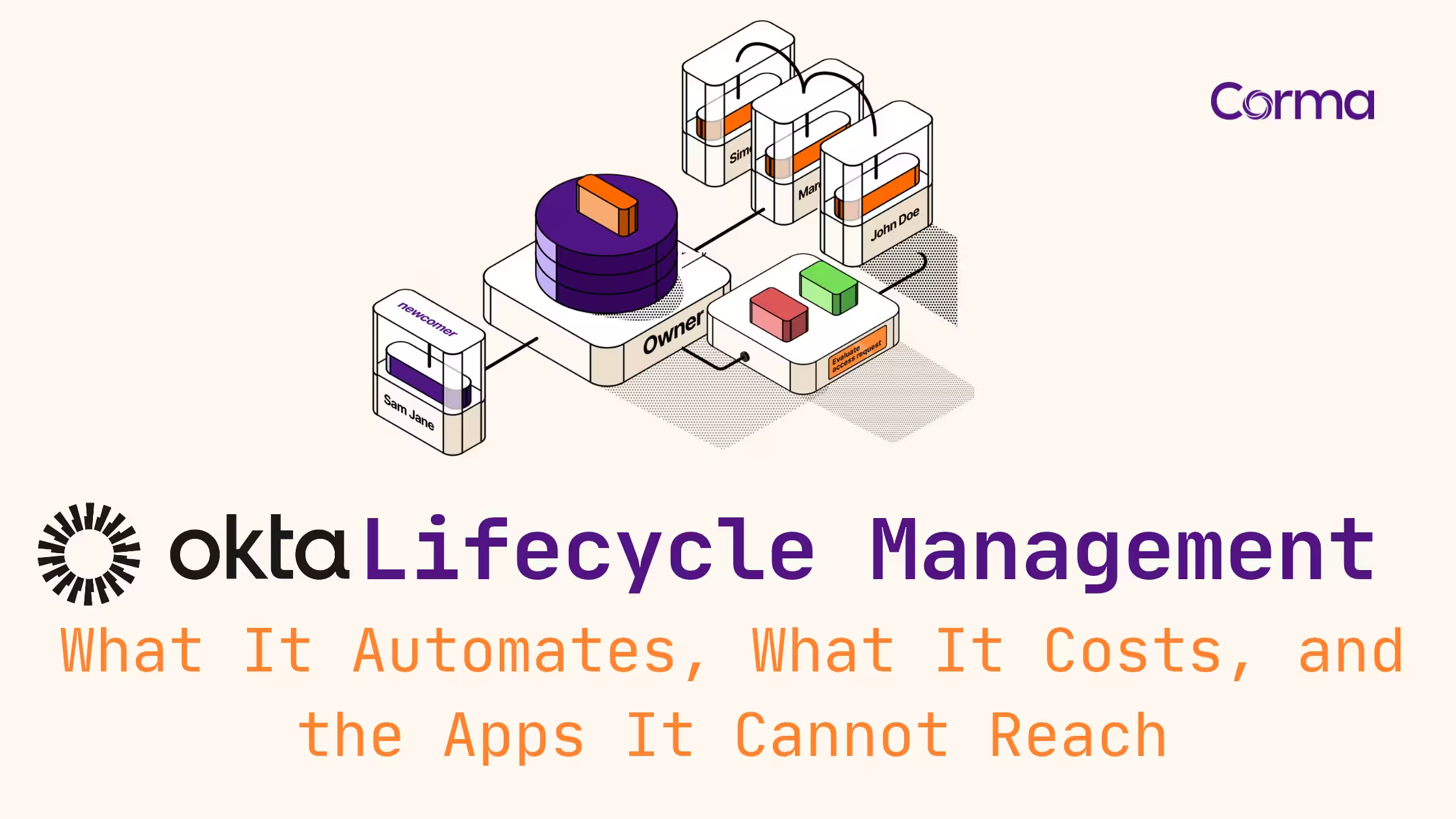
This guide is for IT leads at 50 to 500-person companies who run Okta for single sign-on and want onboarding and offboarding automated across every app their people use.
Okta Lifecycle Management (LCM) is Okta's provisioning product: it creates, updates and deactivates accounts in connected apps when people join, change roles or leave, using an HR system or a directory as the source of truth. It is an add-on on Okta's Starter suite and is included from Core Essentials, listed at $14 per user per month and billed annually. It only acts on apps whose Okta integration supports provisioning. For the others, Okta notifies an admin, and someone has to close the account by hand.
Configuring one specific connector? Okta's admin documentation will serve you better. This page is for the scoping and buying decision: what LCM covers in your stack, what it costs, and what stays manual.
Key takeaways
- Okta Lifecycle Management creates, updates and deactivates app accounts from an HR or directory source, but only in apps whose integration supports provisioning.
- Lifecycle Management is an add-on on Okta's $6 Starter suite and is included from Core Essentials at $14 per user per month, billed annually.
- Of the 8,389 integrations listed in the Okta Integration Network, 955 carry the Lifecycle Management tag, roughly one integration in nine.
- When Okta deprovisions a user from an app, it puts the app account in a deactivated state rather than deleting it.
- Apps without provisioning support need a SCIM service, a public API for Okta Workflows, a manual ticket, or an agent using the admin console.
What does Okta Lifecycle Management automate?
Okta Lifecycle Management automates the three moments of the joiner, mover, leaver cycle: account creation on day one, access changes when someone moves, and deactivation when they leave. On day one, that means a new hire is productive in apps such as Slack, Google or Salesforce, the examples Okta itself cites, without an admin creating each account. Each of these actions depends on the app at the other end. Okta's own provisioning settings page warns that not every feature in the following list is available for every app integration
.
The table below shows what Okta does at each stage, and the condition that decides whether it happens in a given app.
What Okta Lifecycle Management does at each stage
| Stage | What triggers it | What Okta does | Only if |
|---|---|---|---|
| Joiner | A new hire in the HR source (Workday, SuccessFactors, UltiPro, BambooHR, Namely) or a new user in Active Directory or LDAP | Creates the Okta user, places them in groups and creates accounts in the apps those groups assign | The app integration supports account creation. Okta skips creation when the username already exists in the app |
| Mover | A change to a profile attribute, such as department or title | Group rules move the user between groups, apps tied to the old group are unassigned, and updated attributes are pushed to apps | Your group rules exist and the app supports attribute updates |
| Leaver | A termination in the HR source, or a deactivation in Okta | Deactivates the user's accounts in assigned apps | Deprovisioning is enabled for the app, and the app is not inactive, private or a system app |
Sources: Okta help documentation on provisioning settings, HR-driven provisioning, group rules and user deactivation, read on 12 October 2026.
Where does the joiner event come from?
Okta calls this HR-driven IT: new hires are imported from an HR app, which becomes the source of truth for identity data. Okta's documentation names Workday, SuccessFactors, UltiPro, BambooHR and Namely as examples, and lists Active Directory and LDAP among the directories that can act as a profile source. An HR system outside the pre-built integrations can be connected through Okta's Anything-as-a-Source option, but Okta states that it requires a feature your Okta account team has to enable.
What happens when someone changes role?
Okta handles movers with group rules. A rule such as "department is Sales" places users in a group, and the group carries app assignments. When the department attribute changes, Okta removes the user from the Sales group automatically, and the apps assigned through that group are unassigned with it. In practice, this is where access creep builds up when rules are missing: a mover keeps the old group and every app it grants.
What happens to app accounts when someone leaves?
Many descriptions of Okta offboarding promise that access disappears across every connected app the moment HR marks someone as gone. Okta's documentation is narrower on two points:
- Scope: a deactivated Okta user is deprovisioned from assigned apps only if deprovisioning is enabled for each app, and never for apps that are inactive, private or system apps.
- Outcome: Okta does not delete the account. It puts the account into a deactivated state in the external app, and reactivates it if the app is assigned again.
Read the second point next to your SaaS contracts. Whether a deactivated account still occupies a paid seat is decided by each vendor's billing rules, not by Okta.
How much does Okta Lifecycle Management cost?
Okta does not publish a standalone price for Lifecycle Management. On Okta's pricing page, read on 12 October 2026, LCM is an add-on to the Starter suite ($6 per user per month) at a price quoted by sales, and it is included in Core Essentials ($14), Essentials ($17), Professional and Enterprise (both quote only). Every suite is billed annually with a $1,500 minimum contract, and the French and German versions of the page also quote prices in US dollars.
Where Lifecycle Management sits in Okta Workforce Identity suites
| Suite | List price per user per month | Lifecycle Management | Okta Workflows | Identity Governance |
|---|---|---|---|---|
| Starter | $6 | Add-on, price on quote | 5 flows | Not available |
| Core Essentials | $14 | Included | 5 flows | Not available |
| Essentials | $17 | Included | 50 flows | Included |
| Professional | Quote only | Included | Unlimited active flows | Included |
| Enterprise | Quote only | Included | Unlimited active flows | Included |
Source: Okta pricing page, read on 12 October 2026. All suites are billed annually with a $1,500 annual minimum. Okta can change prices and plan contents at any time: confirm them in your own quote.
Why getting LCM usually means upgrading every user
Okta sells suites on a unified model. Its pricing FAQ explains that all products in a suite share the same number of subscriptions, with exceptions for Workflows, Okta Privileged Access and machine-to-machine tokens. A 250-person company on Starter that moves to Core Essentials to get Lifecycle Management therefore pays for 250 Core Essentials licenses: $42,000 a year at list price instead of $18,000, an increase of $24,000. Adding LCM to Starter is possible, but Okta prices that add-on only on request, so get it in writing before you compare. Support plans, currency risk and renewal tactics are covered in our Okta pricing guide for mid-market teams.
The cost that does not appear on Okta's price list
Lifecycle Management can only provision an app if that app exposes provisioning on the plan you pay for, and some SaaS vendors keep SCIM for their top tier. Corma met this limit when it shipped its own SCIM connector for Notion in July 2025: its changelog notes that the connector is only available to customers on Notion's Enterprise plan. At Infinox, Vadim, Head of IT Operations, mentions in a September 2026 interview the workarounds his team now has for SaaS packages such as Slack, which normally require an enterprise tier for automatic provisioning.
Do you need Lifecycle Management if you already have SSO?
Yes, if you want Okta to create and remove accounts inside apps. Single sign-on and MFA decide who can log in; they do not decide which accounts exist. In an r/okta thread titled "Do I need Okta Lifecycle management?", the top answer was simply that SCIM sits in LCM, and another admin added that the answer depends on how much of your app estate Okta's lifecycle management can actually cover. That second point is the one to measure before you buy.
Which apps can Okta Lifecycle Management not reach?
Okta Lifecycle Management cannot provision apps whose Okta integration has no provisioning support, apps whose vendor reserves SCIM for a plan you do not have, on-premises and internal apps without a SCIM server or connector, and apps nobody ever assigned in Okta. The Okta catalog shows the scale: on 12 October 2026, 955 of the 8,389 integrations listed in the Okta Integration Network carried the Lifecycle Management tag, against 7,836 for single sign-on.
Okta describes this coverage in two ways. Its Lifecycle Management FAQ says Okta supports automated provisioning for thousands of apps using the SCIM standard
, while its help center refers to hundreds of pre-built app integrations
for provisioning. The catalog counter sits between the two, and it is the number to plan with: check each of your apps against its catalog entry before you assume it is covered.
Five kinds of apps outside Okta Lifecycle Management
| App type | Example | Why LCM stops | What Okta offers | What is left to you |
|---|---|---|---|---|
| SSO-only integrations | Apps whose catalog entry supports SAML or OIDC sign-in only | The integration has no provisioning capability | A custom SCIM integration, if you or the vendor run a SCIM service | Creating and removing accounts by hand |
| SCIM on the vendor's top tier | Notion, whose SCIM provisioning is limited to its Enterprise plan | The provisioning endpoint is not available on your plan | Nothing on Okta's side | Upgrading the app or offboarding manually |
| On-premises and legacy apps | Line-of-business software on your own network | Okta needs a SCIM server or a custom connector next to the app | The Okta Provisioning Agent, combined with that connector | Building and maintaining the connector |
| Internal tools | Homegrown apps with local logins | Okta requires a SCIM service for a custom app | A custom SCIM integration, or a Workflows connector if the app has a public API | Developer time |
| Apps never assigned in Okta | Tools bought by a team, service accounts, AI agents | Okta can only deprovision what it assigned | Okta for AI Agents, sold as a separate subscription, for agent identities | Finding the accounts first |
Sources: Okta help documentation on custom SCIM integrations and on-premises provisioning, Okta newsroom (Okta for AI Agents, 24 August 2026), Corma changelog (Notion SCIM connector, 3 July 2025).
The last row is rarely small. At Satelia, a 70-person healthtech company, Corma surfaced 160 applications where manual reports listed 30. Non-human identities follow the same pattern: Corma's guide to non-human identity security notes that service accounts and agents were never provisioned through your identity provider
, so no leaver workflow ever touches them.
For every app in this table, Okta's help center describes the same outcome at offboarding: admins receive a notification, and an "Application accounts need deprovisioning" task appears in the admin dashboard. That is a to-do list, not an automation, and a manual offboarding process stays error-prone when leavers cluster at the end of a week or a month. It is also what admins describe on r/okta in a thread on deprovisioning non-SCIM apps: when most apps lack SCIM, offboarding starts with someone listing every such app assigned to the leaver.
If that list is long in your stack, Corma's Okta integration reads your Okta users, groups and app assignments, then covers many of the apps Okta cannot provision through API connectors or browser-based agents.
How can you automate the apps Okta cannot provision?
You have five options: build a SCIM service, script the change with Okta Workflows, run an on-premises connector, route the change as a manual task, or use an agent that performs it in the app's admin console. The first three need engineering and an interface to call, and Okta Workflows is also where complex, multi-step cases end up. The fourth keeps a person in the loop. The fifth works on any web admin console you can reach online.
SCIM (System for Cross-domain Identity Management) is the open standard that identity providers and apps use to exchange user and group data, defined in RFC 7644 for the protocol and RFC 7643 for the schema, both published in September 2015 (see our SCIM glossary entry). If an app does not speak it, every option below is a workaround.
Ways to automate apps outside Okta Lifecycle Management
| Option | Works when | What it needs | Okta suite | Limit |
|---|---|---|---|---|
| Custom SCIM integration | You control the app's code, or the vendor exposes SCIM | A SCIM 2.0 service for the app | Lifecycle Management | Development and maintenance on your side |
| Okta Workflows connector | The app has a public API | A Connector Builder connector and flows | 5 flows on Starter and Core Essentials, 50 on Essentials | No public API, no connector |
| On-premises provisioning | The app runs on your network | The Okta Provisioning Agent plus a SCIM server or custom connector | Lifecycle Management | The connector is yours to build |
| Manual task | Any app | An admin notification, or an Access Requests task with Okta Identity Governance | Identity Governance from Essentials | Depends on someone completing the task |
| Browser-based agent | The app has a web admin console reachable online | An agent trained on the console, usually with a service account | Outside Okta | Not for consoles you cannot reach online; the service account may take a paid seat |
Sources: Okta help documentation (custom SCIM, on-premises provisioning, Workflows connectors, Access Requests), Okta pricing page (flow allowances) and Corma help center (custom agents), read on 12 October 2026.
For a vendor-neutral view of the same problem, see our guide to offboarding apps that don't support SCIM, SAML or SSO.
What does agent-based offboarding look like in practice?
Infinox, a global CFD brokerage that grew close to threefold in a year, uses Corma's agents for the apps its connectors cannot reach. In an interview published by Corma in September 2026, Vadim, Head of IT Operations, explains that legacy tools without a provisioning API are now handled by agents his team does not have to write or maintain. Where legacy software requires full admin rights, the agent at least removes the leaver's permissions, resets the password and flags the account as a leaver.
His summary of the result: Offboarding now takes about half an hour in total man-hours.
Before, it took two to four hours across several departments. He is just as clear about the limit: for the group's brands that are not yet connected, roughly a third of access is still revoked by hand.
Should you keep Okta Lifecycle Management, add a layer, or switch?
Keep Lifecycle Management where it provisions your core apps, and decide on the rest by counting: how many of your offboarding steps fall in apps without a provisioning integration, and which Okta suite you are on today. The grid below turns that count into a path.
Okta Lifecycle Management decision grid
| Your situation | Likely path | Why |
|---|---|---|
| On Core Essentials or above, most leaver steps in apps with provisioning | Keep LCM and handle the remainder as tracked tasks | You already pay for it |
| On Starter, LCM needed mainly for offboarding | Price the add-on against a governance layer before upgrading | A suite upgrade applies to every user |
| Many SSO-only, top-tier SCIM or internal apps | Keep Okta for SSO and add a layer that reaches unprovisioned apps | No Okta suite changes what those apps expose |
| Google Workspace or Microsoft 365 company without Okta yet | Compare before you buy | You may already own an identity provider |
| EU entity in scope of NIS2 | Make leaver evidence part of the choice | Access control policies are a required measure |
For European teams the choice carries a compliance angle. Article 21(2)(i) of the NIS2 Directive lists human resources security, access control policies and asset management among the cybersecurity risk-management measures that essential and important entities must take. An account left open in an app Okta never provisioned falls within that scope, whichever tool closes it.
If you are still choosing an identity provider, our list of Okta alternatives for mid-market IAM and the Corma vs Okta comparison cover the options side by side.
How Corma extends Okta Lifecycle Management to the apps it cannot reach
Corma is a European identity and access management (IAM) and SaaS management platform that works alongside Okta: it reads what Okta manages and automates the accounts Okta does not provision.
- Connected to Okta. Corma installs from Okta's catalog with admin access and syncs users, groups, roles and apps. Since its 17 September 2026 release, it can also provision and deprovision Okta users.
- Four ways to reach an app. Each app connects through its official API, an API key you supply, a Corma agent working in a browser session when no API exists, or a custom agent you train yourself.
- Agents trained by watching once. A custom agent learns a provisioning or deprovisioning task by watching an admin perform it in a secure browser. Corma's help center puts it at about 10 minutes per workflow, and states the limits: the admin console must be reachable online, and the service account may take a paid seat. Agents run on AWS in the Paris region. See how Corma's AI agents automate apps without an API.
- What stays manual is tracked. Actions Corma cannot automate through an API or an agent become tickets that can be pushed to Jira or Siit, and the audit log separates actions run by an agent from those run through an app's API.
- Joiners, movers, leavers and reviews in one place. HR-triggered automated provisioning and onboarding, plus access reviews and identity governance with an audit trail. Skello reports more than 140 employees onboarded and offboarded automatically with Corma.
- EU by design. Data hosted in the EU, GDPR-native, ISO/IEC 27001:2022 certified, and recognized in the Gartner Magic Quadrant for SaaS Management Platforms.
See which of your Okta-assigned apps are provisioned and which still depend on a ticket. Corma connects to Okta, maps every app and account, and shows where offboarding stops today. Book a Corma demo.
Frequently asked questions
Can you use SCIM provisioning in Okta without Lifecycle Management?
Not in Okta's standard packaging. Okta's documentation describes app provisioning as part of Lifecycle Management, and its pricing page lists LCM as an add-on on Starter and included from Core Essentials. A Starter customer needs the add-on or a suite upgrade before Okta can push accounts to apps through SCIM.
Which Okta plan includes Lifecycle Management?
Lifecycle Management is included in the Core Essentials ($14 per user per month), Essentials ($17), Professional and Enterprise suites, and sold as an add-on on Starter ($6). All suites are billed annually with a $1,500 minimum, according to Okta's pricing page on 12 October 2026.
Does Okta Lifecycle Management delete accounts when someone leaves?
No. When Okta deprovisions a user from an app, it puts the app account into a deactivated state rather than deleting it, and only in apps where deprovisioning is enabled. Deleting data, transferring ownership and releasing the license remain decisions taken in each app.
Can Okta Lifecycle Management provision on-premises apps?
Yes, with extra components. Okta's on-premises provisioning combines the Okta Provisioning Agent with a SCIM server or a custom connector that runs next to the app. Without that connector, the on-premises app stays outside automated provisioning.
What is the difference between Okta Lifecycle Management and Okta Identity Governance?
Lifecycle Management provisions and deprovisions accounts. Identity Governance adds governance on top, such as access requests. Okta includes Identity Governance from the Essentials suite, and its Identity Governance add-on bundles Access Governance, Lifecycle Management and Workflows.
Does Okta Lifecycle Management reduce software license costs?
It can, in apps where deprovisioning is enabled, because leavers lose their accounts without waiting for a ticket. The saving depends on whether each vendor still bills a deactivated account. Okta's own licenses are counted per user in your contract, so reducing them happens at renewal.
Zluri Acquired by Infotech: What It Means and How to Switch

Identity Security Posture Management (ISPM) for Mid-Market IT
Okta Lifecycle Management: Scope, Price and Coverage Gaps
The new standard in license management
Ready to revolutionize your IT governance?