For IT leads at 50 to 500-employee companies choosing or re-choosing an identity provider. Not for 5,000+ seat enterprises or customer login projects.
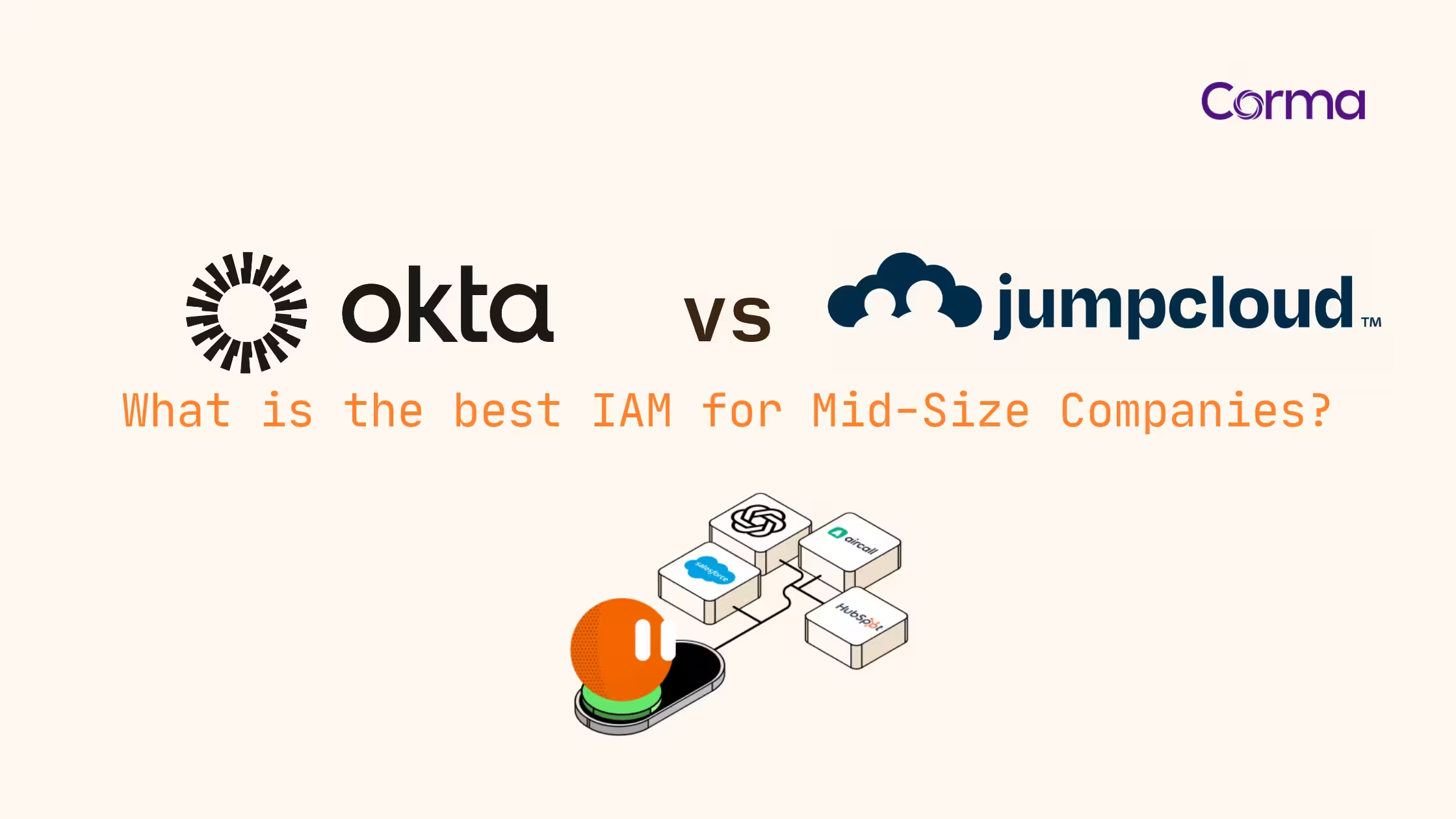
JumpCloud is the better fit when you need one tool for identities and devices, with built-in device management for Mac and Windows fleets and a cloud directory that can replace Active Directory. Okta is the better fit when your priority is connecting a large, mixed SaaS stack with deep SSO, lifecycle automation and access governance, and you already manage devices elsewhere. Neither one, on its own, shows you the SaaS apps employees use outside single sign-on, which is where mid-size budgets and audit findings usually leak.
Key takeaways
- Okta Workforce Identity lists Starter at $6 and Essentials at $17 per user per month, billed annually, with a $1,500 annual contract minimum (Okta pricing page, September 2026).
- JumpCloud's public packages cost $9 to $13 per user per month billed annually, while its unified identity, device and access bundles are sold on quote.
- JumpCloud includes device management and MDM in its device packages, whereas Okta has no MDM and relies on a separate tool such as Jamf or Microsoft Intune.
- JumpCloud's free plan for 10 users and 10 devices only applies to accounts created before 1 February 2024; new JumpCloud customers get a 30-day trial.
- Okta and JumpCloud both offer EU data hosting, but neither discovers the apps used outside SSO: at Satelia, Corma surfaced 160 applications against 30 in manual reports.
Last updated: 30 September 2026. Prices and product facts checked on the vendors' own pages on that date.
Okta vs JumpCloud: the short answer
The deciding factor for a mid-size company is rarely SSO quality, because both tools handle SAML and OIDC sign-in well. The deciding factor is your device fleet and the shape of your SaaS stack. If you need to manage laptops and want a single console, JumpCloud removes a whole product from your budget. If you already run an MDM and your pain is connecting and automating dozens of SaaS apps, Okta's catalog and workflow engine are hard to beat.
We use the same decision lens as in our Okta vs Microsoft Entra ID comparison for mid-size companies: start from what you already own, then pick the tool that fills the biggest gap.
Decision matrix for 50 to 500 employees
| Your situation | Better fit | Why |
|---|---|---|
| Mac-heavy or mixed fleet, no MDM yet | JumpCloud | Identity and device management in one console, one contract |
| Leaving on-premise Active Directory, need LDAP or RADIUS for Wi-Fi and VPN | JumpCloud | Cloud directory with Cloud LDAP and Cloud RADIUS sold as native features |
| 40+ SaaS apps, several without a native HR connector, heavy joiner-mover-leaver volume | Okta | More than 8,000 pre-built integrations and Okta Workflows for lifecycle automation |
| Devices already in Jamf, Kandji or Intune | Okta | You would pay twice for device management with a JumpCloud device package |
| Audit ahead (ISO 27001, SOC 2, NIS2) and access reviews done in spreadsheets | Either, plus a governance layer | Both cover apps behind SSO; neither covers the apps outside it |
Matrix built by Corma from each vendor's pricing and product pages, checked on 30 September 2026.
What are Okta and JumpCloud?
What is Okta?
Okta is a cloud identity and access management platform that centralises single sign-on, multi-factor authentication and user lifecycle automation across a company's applications. Its defining strength is breadth. The Okta Integration Network now lists more than 8,000 ready-to-use, pre-built integrations according to Okta's integration catalog. Several comparison pages and search summaries still quote "7,000+", a figure the catalog itself has moved past.
Okta is vendor-neutral: it treats Google, Microsoft, AWS and niche SaaS tools as equals, which suits heterogeneous stacks. It is an identity layer, not a device manager.
What does JumpCloud do?
JumpCloud is an open directory platform that combines a cloud directory, SSO, MFA and cross-OS device management in one console. It was built to replace the on-premise directory for small and mid-size companies, so it also sells Cloud LDAP and Cloud RADIUS, the legacy protocols that Wi-Fi, VPN and some internal tools still need.
If you are coming from a Google-only setup, our JumpCloud vs Google SSO comparison covers that earlier step of the decision.
Okta vs JumpCloud: feature by feature
Both platforms cover the identity fundamentals. The differences show up in devices, legacy protocols, automation depth and how the price is built.
Okta vs JumpCloud, feature comparison (September 2026)
| Capability | Okta | JumpCloud |
|---|---|---|
| Core model | Identity platform, sold as suites | Directory plus devices, sold as packages or per feature |
| Directory | Universal Directory, included from Starter | Cloud Directory, can replace Active Directory |
| SSO catalog | 8,000+ pre-built integrations | SAML and OIDC SSO, smaller native catalog |
| Legacy protocols | Not listed as priced features; check LDAP and RADIUS needs with Okta | Cloud LDAP and Cloud RADIUS as native features |
| MFA and passwordless | MFA from Starter, Adaptive MFA from Essentials | MFA in SSO packages, JumpCloud Go passwordless as a feature |
| Device management | No MDM; Device Access (desktop login) in Professional | MDM and device management in device packages |
| Lifecycle automation | 5 Workflows in Starter, Lifecycle Management and 50 Workflows in Essentials | User Lifecycle Management as a feature |
| Access governance | Access Governance in Essentials, Okta Identity Governance add-on | Access Requests as a feature |
| SaaS discovery | Centred on apps connected to Okta | SaaS Discovery in the Platform Prime package |
Sources: Okta pricing and JumpCloud pricing, checked on 30 September 2026.
One vendor claim deserves a correction. JumpCloud's own comparison page says Okta "completely ignores the hardware your employees use". That overstates it: Okta's Professional suite includes Device Access, which secures desktop login with MFA. What Okta does not do is MDM: it will not push configuration profiles, patch machines or wipe a lost laptop. For that, you still need a device manager.
Okta vs JumpCloud pricing: what 200 users cost in 2026
Okta publishes two suite prices and quotes the rest. JumpCloud publishes three packages and a per-feature price list, then quotes its unified bundles. List prices are the starting point of a negotiation, not the final invoice, but they show the order of magnitude.
Annual list cost for 200 users, billed annually
| Plan | Price per user per month | 200 users per year | What you get |
|---|---|---|---|
| Okta Starter | $6 | $14,400 | SSO, MFA, Universal Directory, 5 Workflows |
| Okta Core Essentials | $14 | $33,600 | Essentials without its advanced security and compliance features |
| Okta Essentials | $17 | $40,800 | Adds Adaptive MFA, Lifecycle Management, Access Governance, 50 Workflows |
| JumpCloud SSO | $11 | $26,400 | SSO and MFA plus Password Manager |
| JumpCloud Device Identity Management | $13 | $31,200 | Device management plus identity management and MFA for devices |
| JumpCloud Platform Essentials, Platform, Platform Prime | On quote | On quote | Unified identity, device and access; Platform Essentials is capped at 300 users |
Calculation by Corma from the Okta and JumpCloud pricing pages, 30 September 2026. Okta totals exclude an MDM licence.
Three details change the real bill:
- Okta's $1,500 annual minimum only bites for very small teams. At $6 per user per month, it equals about 21 users a year, so a 200-person company never hits it.
- Okta totals leave out device management. Add the MDM you already pay for, or budget one if you do not have it.
- JumpCloud's public packages split SSO and devices. A single package covering SSO, identity and devices together is one of the quote-based Platform bundles, so ask for that quote before comparing like for like.
On the free plan, search summaries often say JumpCloud offers "a free tier for small teams". JumpCloud's own FAQ is narrower: accounts created before 1 February 2024 can still use JumpCloud free for up to 10 users and 10 devices. Anyone signing up today gets a 30-day free trial, not a free plan.
Which one fits your mid-size company?
Mac-heavy or device-heavy fleet
This is the question behind many forum threads, such as this r/JumpCloud discussion from a roughly 100-person, Mac-based company. If you have no MDM today, JumpCloud usually wins, because one package covers enrolment, policies and identity for macOS and Windows. With Okta, you would pair it with Jamf, Kandji or Intune and manage two consoles and two contracts.
SaaS-first, heterogeneous stack
If your company runs on 40 or more SaaS tools and hires or moves people every week, Okta usually wins. The 8,000+ integration catalog means fewer custom connectors, and Okta Workflows automates joiner, mover and leaver steps across that catalog, from 5 flows in Starter to 50 in Essentials.
Already on Google Workspace or Microsoft 365
Your productivity suite already includes basic SSO. The question becomes whether you need more than it gives you. Companies deep in Microsoft 365 often compare Okta with Entra ID first. Google Workspace companies with Mac fleets tend to shortlist JumpCloud, because it adds the device layer Google does not provide.
What are the disadvantages of Okta and JumpCloud?
Okta's main disadvantages for a mid-size company are cost stacking and scope. Advanced features sit in higher suites or add-ons, and device management is a separate purchase. Okta also carries a security track record that buyers ask about. Okta's own root-cause report states that between 28 September and 17 October 2023, a threat actor accessed files in its customer support system linked to 134 customers, less than 1% of its base, and used stolen session tokens to hijack the Okta sessions of 5 customers.
JumpCloud's main disadvantages are integration depth and past reliability concerns. Its native SSO catalog is smaller than Okta's, and admin forums regularly raise service interruptions as a worry. JumpCloud also disclosed a 2023 incident: in its incident report, the company said a nation-state actor breached internal systems in June 2023, fewer than 5 customers were impacted, and it force-rotated all admin API keys.
Before signing either contract, read the public status history of each vendor for the last 12 months and ask for the incident communication process in writing. It takes an hour and answers the reliability question better than any review site.
EU data residency and NIS2: where each one stands
None of the four independent comparison pages we reviewed for this query in September 2026 mentions EU hosting, GDPR transfers or NIS2. For a European mid-size company, that is often the question procurement asks first.
- JumpCloud runs an EU data center hosted on AWS in Frankfurt, Germany, available to organisations in all 27 EU member states and the EEA. Transfers to the US rely on Standard Contractual Clauses in its data processing addendum.
- Okta uses a cell architecture, with cells in the US, EMEA, Japan, Australia, Canada and India. On 15 September 2026, Okta announced a UK cell that lets eligible customers store primary identity data in the UK, with disaster recovery in Dublin.
Data residency answers where identity data sits. It does not answer who has access to what, which is what regulators check. NIS2 lists access control policies, asset management and multi-factor authentication among the cybersecurity risk-management measures in-scope entities must take. Both IdPs help with MFA and with access to the apps they connect. Neither gives you a complete asset inventory of the software your company actually uses. Our NIS2 compliance checklist for IT teams breaks down what that means in practice.
The part neither one governs: SaaS your IdP never sees
An identity provider governs the apps you connected to it. Every tool bought on a company card, every free trial that became a team habit, every app that does not support SAML or SCIM stays outside that perimeter. That is the gap where licence spend leaks and where offboarding leaves accounts open.
The scale of the gap is usually larger than IT expects. When Satelia, a healthcare company preparing ISO 27001 and SOC 2 certification, connected Corma, it found 160 applications in use against 30 identified in its manual reports, more than five times what it tracked, as documented in the Satelia customer story.
"Corma has opened a clear report channel where we can get from the whole company what tools are they using, how often are they using it, when the access was given. Without having those details, we couldn't move forward with the ISO 27001 and SOC2 certifications."
Eriel Cruz, Technical Project Manager, Satelia
The second gap is access reviews. SSO tells you who can sign in; an auditor wants proof that each person still needs each access, reviewed on a schedule. Corma's co-founder and CEO put a number on the manual version in a May 2025 interview:
"Today, it takes an IT director 400 hours to manually review all the access across 500 applications: open the application, go to the page, download, put it back into a spreadsheet, reconcile the data. And it has to be done every four months."
Héloïse Rozès, co-founder and CEO of Corma, interview with SDBR News, May 2025 (translated from French)
Okta Essentials includes access governance for the apps connected to Okta, and JumpCloud sells SaaS discovery in its top package. Both are useful. Both stop at the edge of their own platform, and many mid-size companies end up running Okta for SSO and JumpCloud for devices, which splits the picture in two. A SaaS management platform that reads from both and from the apps themselves closes that gap, and automated access reviews turn the quarterly spreadsheet into a scheduled campaign.
How Corma works with Okta and JumpCloud
Corma is not a third identity provider competing with Okta and JumpCloud. Corma is the European SaaS management and access governance layer that sits on top of whichever one you choose, or on top of both.
- Native connectors: Corma connects to your IdP through its Okta integration and its JumpCloud integration, then adds the apps your IdP does not see.
- Full SaaS discovery, including shadow IT and apps without SAML or SCIM support.
- Access reviews and deprovisioning across every app, not only those behind SSO, with an audit trail for ISO 27001 and NIS2.
- Licence and contract visibility, so unused seats and renewals surface before they are paid.
Corma is EU-hosted, ISO/IEC 27001:2022 certified and was recognised in the 2025 Gartner Magic Quadrant for SaaS Management Platforms. For a mid-size company, onboarding is typically completed in under a month. See how the Corma identity and access management platform fits your stack, or book a demo with your own Okta or JumpCloud tenant.
FAQ
Is JumpCloud free?
JumpCloud is free only for accounts created before 1 February 2024, which keep up to 10 users and 10 devices at no cost. New JumpCloud customers get a 30-day free trial, then pay from $9 per user per month billed annually for the Device Management package.
Can you use Okta and JumpCloud together?
Yes. Okta lists a JumpCloud integration that manages users in Okta and reflects the changes in JumpCloud. A common mid-size setup uses Okta for SSO and lifecycle automation and JumpCloud for device management, which works but splits visibility across two consoles.
Who are JumpCloud's main competitors?
JumpCloud's main competitors are Okta, Microsoft Entra ID, Rippling IT, Google Cloud Identity and device-first tools such as Jamf. The right alternative depends on whether you need to replace the directory, the device manager or both. Our guide to JumpCloud alternatives segments them by use case.
Who is Okta's biggest competitor?
Microsoft Entra ID is Okta's biggest competitor in workforce identity, because it ships with Microsoft 365 licences many companies already own. JumpCloud competes with Okta mainly in small and mid-size companies that also need device management. See our overview of Okta alternatives for the mid-market.
Does JumpCloud store data in the EU?
Yes, on request. JumpCloud operates an EU data center on AWS in Frankfurt, Germany, open to organisations in all EU and EEA countries. Okta offers EMEA cells and, since September 2026, a UK cell for eligible customers.
Do I still need SaaS management with Okta or JumpCloud?
Yes, if you want to govern every app rather than only those connected to your identity provider. Okta and JumpCloud control sign-in to connected apps, while a SaaS management layer finds unmanaged apps, reviews access across all of them and tracks licence costs.