Using Google Workspace as an IAM in Small and Mid-Size Teams



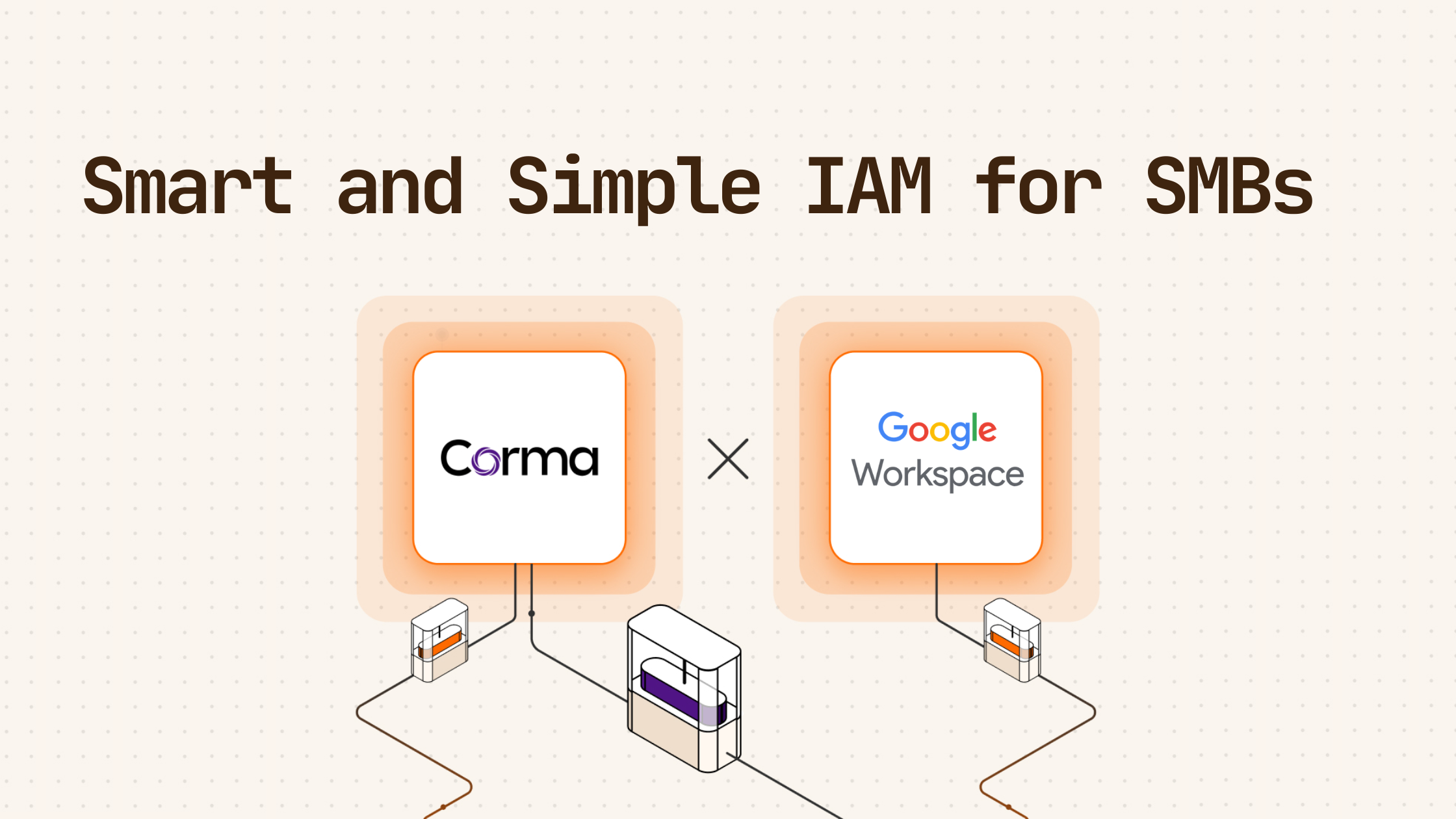
Millions of companies rely on Google Workspace, which already includes the core components of an Identity Provider in every plan. For the large majority this is already If your team uses "Sign in with Google" for apps like Slack or Notion, Google is already authenticating your users and acting as your Identity Provider. However, where Google falls short is governance, which means managing the full lifecycle of access across all your tools. With a few small twists you can have a setup that priotises automation, integration of all your apps and scalability as your company develops, all without breaking your budget.
For smaller teams with less than hundred or only a few hundred users, identity management can stay lean. There is no reason to buy an expensive IAM platform like Okta or Sailpoint. You can combine Google Workspace with next-gen governance tools like Corma. This provides a faster and lower-cost alternative to adopting a dedicated enterprise Identity and Access Management platform like Okta. This setup automates provisioning, deprovisioning, access reviews, and shadow IT detection, reducing access management from 30 plus hours per month to minutes.
In this article, we will explore what Google Workspace does and does not do as an Identity Provider, the five key limitations of using Google as your Identity Provider and how to fix them, and how the lean identity management stack of Google and Corma streamlines access management.
The Lean IAM Solution: Automation, Integration, and Scalability
A smart Identity and Access Management system for small teams should prioritize three key principles: automation, integration, and scalability. Google Workspace combined with Corma delivers on all three, providing a lean IAM solution that saves time and reduces manual work.
Priority 1: Automation
Automation is the cornerstone of a lean IAM system. With Corma, small teams can automate the most time-consuming tasks, including user provisioning, deprovisioning, and access requests.
When a new hire joins your company, Corma ensures they get day-one access to all the tools they need. Role-based templates automatically assign the correct permissions, whether it is adding them to specific Slack channels, GitHub teams, or Salesforce permission sets. This eliminates the need for manual account creation and reduces the risk of human error.
Offboarding is equally seamless. Triggered by your HRIS or Google Workspace, Corma reassigns documents to a manager, revokes access across every application, and tracks each step to completion. This ensures that former employees no longer have access to company tools, mitigating security risks. For example, Maxio, a company with a two-person IT team supporting 240 employees across 88 applications, reduced offboarding time from hours to seconds using Corma.
Access requests are also streamlined. Employees can request access to the tools they need without flooding IT with direct messages. Corma routes these requests to the appropriate approvers, executes them automatically, and logs every action for auditing purposes. This not only saves time but also empowers employees to get the access they need quickly.
Priority 2: Integration
A lean IAM system must integrate seamlessly with the tools your team already uses. Google Workspace serves as the foundation, providing a centralized user directory and Single Sign-On capabilities. Corma builds on this foundation by integrating with over 400 applications, including critical tools like Slack, GitHub, and Salesforce.
Unlike Google Workspace, which only supports SCIM provisioning for around 57 applications, Corma uses integration accounts to automate access management across all your tools, even those without SCIM support. This means you can manage access for virtually every application your team uses, without requiring enterprise-tier upgrades or manual intervention.
Corma also integrates with your HRIS system, ensuring that user provisioning and deprovisioning are triggered automatically based on changes in your employee directory. This creates a single source of truth for user access, reducing the risk of shadow IT and ensuring that every account is managed consistently.
Priority 3: Scalability
As your team grows, your IAM system must grow with it. A lean IAM solution like Google Workspace + Corma is designed to scale effortlessly, accommodating more users, applications, and complex access requirements without increasing the administrative burden.
With Corma, you can easily add new applications to your stack and define role-based access templates for different teams and positions. This ensures that as your company expands, new employees are onboarded quickly and existing employees gain access to the tools they need without delays. Similarly, when employees leave or change roles, their access is updated automatically, reducing the risk of orphaned accounts or unauthorized access.
Scalability also means cost-effectiveness. For a team of 100 employees, the lean IAM stack of Google Workspace and Corma costs approximately 10,200 dollars per year. In contrast, enterprise IAM solutions like Okta can cost over 20,400 dollars annually, plus an additional 200,000 dollars in Single Sign-On tax from upgrading each application to an enterprise tier. This makes the lean approach not only more scalable but also significantly more affordable for small and growing teams.
What Google Workspace Identity Access Management Actually Is
Now that we looked into what you should try to expect from your IAM setup, let's dive into how it actually works with the Google Workspace. Identity and Access Management is about controlling who exists in your systems and what they can access. An Identity Provider holds those identities and verifies users during login. Google Workspace acts as an Identity Provider, and for most companies, it does more than they realize.
Core Identity Management Features in Google Workspace
Google Workspace provides a managed user directory, which serves as the central record of employee accounts and the source of truth for logins. It offers Single Sign-On via the "Sign in with Google" option, allowing employees to log in to apps using their Google account without needing separate passwords. This feature is used by over 1.8 million websites and apps and is included in every Workspace plan. Additionally, Google Workspace supports Single Sign-On via SAML, where admins connect apps in Google’s Admin Console so users can sign in through Google instead of using separate logins. This is also included in every Workspace plan and is not tier-capped.
Multi-Factor Authentication adds a second verification step, such as an authenticator app, beyond just passwords. SCIM provisioning automates user account creation, updates, and deactivation in Google and over 57 third-party SaaS apps, and it is included in the base plan but capped based on the tier.
These features form a foundational identity layer, as Google confirms identities and secures logins. However, it does not govern the full lifecycle of access across every tool your team uses.
Free Google SSO vs. Google’s Paid Identity Add-Ons
Google Workspace includes the "Sign in with Google" option, which is the login button most teams already use, as well as SAML-based Single Sign-On. Many third-party apps require their own enterprise upgrade to enable SAML, however. Google’s paid add-ons include Cloud Identity, sometimes called Google Identity, which strengthens authentication with device management but does not add governance. Google Cloud Identity and Access Management controls permissions inside Google Cloud but not SaaS app logins.
The key takeaway is that Google Workspace covers authentication well, but governance, which includes provisioning, deprovisioning, Role-Based Access Control, and access reviews, is where it falls short.
The Limitations of Using Google as an IdP
When speaking to IT leaders using Google Workspace on where it stops working for them, they typically highlight five critical gaps:
- The first limitation is incomplete offboarding. When an employee leaves, offboarding does not fully cascade, meaning any app you forget to revoke manually leaves a former employee with access, creating a security risk and compliance violations.
- The second limitation is thin Role-Based Access Control across third-party apps. New hires may land in apps like Slack or GitHub without the right permissions or team assignments, leading to productivity loss and manual cleanup.
- The third limitation is limited SCIM provisioning. Google auto-provisions only around 57 apps, and most real-world stacks have 15 to 25 percent SCIM coverage, which leaves gaps and requires manual account creation and updates.
- The fourth limitation is the lack of a native access review workflow. There is no built-in way to automate access reviews for SOC 2 or ISO audits, leading to time-consuming manual evidence collection.
- The fifth limitation is Shadow IT. Employees can still sign up for apps outside Google Single Sign-On, creating unmanaged accounts, security blind spots, and compliance risks.
The Lean Identity Management Stack: Google Workspace + Corma
Instead of replacing Google with a second Identity Provider like Okta or adopting a full enterprise Identity and Access Management platform with high costs and long rollouts, lean teams extend Google Workspace with a governance layer.
Google Workspace provides a built-in user directory that serves as the source of truth, and Corma reads from Google Workspace to extend its capabilities. Single Sign-On via SAML 2.0 and Multi-Factor Authentication are built into Google Workspace and remain there when using Corma. OAuth 2.0 app authorization is also built into Google Workspace and stays with Google.
Provisioning in Google Workspace is SCIM-based and supports only 57 apps, whereas Corma offers over 400 integrations and does not require SCIM. HRIS-triggered onboarding and offboarding are not available in Google Workspace but are automated via HRIS or Google Workspace profile attributes when using Corma. Access removal in downstream apps is not fully supported in Google Workspace, as suspension does not kill active sessions, but Corma removes licenses and deprovisions access directly inside each SaaS app.
Google Workspace does not have a native workflow for access review campaigns required for SOC 2 or ISO 27001 compliance, but Corma provides automated access reviews. Shadow IT discovery is invisible to the Google Admin Console, but Corma surfaces it from OAuth logs and invitation-email scanning. Self-serve access requests are not available in Google Workspace but are routed, executed, and recorded by Corma.
Why It’s the Lean Stack
The first reason is that it is cost-effective. There is no need to upgrade every SaaS app to an enterprise tier to unlock Single Sign-On or SCIM. For example, for 100 employees, the lean stack of Google and Corma should stay under 10.000€ per year, compared to 30.000€ or more for Okta, plus a potential 100.000€ in Single Sign-On tax from app upgrades.
The second reason is fast implementation. A governance layer like Corma goes live in days, not months.
The third reason is ease of use. There is no need for certified or specialized IT personnel, as generalist IT, HR, or Operations teams can manage it.
How Corma Extends Google Workspace as an IGA Layer
For small and mid-size teams with less than 500 employees, the two biggest pain points in identity governance are automating onboarding and offboarding and streamlining audit reports for SOC 2 or ISO 27001 compliance. Corma solves these issues in several ways.
First, Corma automates onboarding and offboarding. New hires get day-one access to all their accounts with role-based templates, such as Slack channels, GitHub teams, or Salesforce permissions. Offboarding is triggered by HRIS or Google Workspace, and Corma reassigns documents to a manager, revokes access across every app, including shadow IT, and tracks each step to completion. For example, Maxio, a two-person IT team supporting 240 employees across 88 apps, reduced offboarding from hours to seconds using this setup.
Second, Corma streamlines access review automation. Automated workflows route reviews to the right people with context, such as who approved access and employment status. Flagged access is revoked in the same session, and remediation actions are logged automatically.
Third, Corma handles Shadow IT discovery. It uses browser extensions, desktop agents and scans OAuth logs and invitation emails to surface unmanaged apps and provides a single source of truth for who has access to what.
Finally, Corma enables self-serve access requests. Employees can request access without flooding IT with direct messages, and these requests are routed, executed, and recorded automatically.
FAQ
Is Google Workspace an Identity Provider?
Yes, it is. Google Workspace holds your user directory, authenticates logins, and signs users into other apps via "Sign in with Google" and SAML. Most teams already use it as an Identity Provider without realizing it. The gap is governance, which includes provisioning, access reviews, and clean offboarding.
Can I Use Google Workspace as My Only Identity Provider?
Yes, for most teams under 500 employees, Google Workspace can handle logins, while a lightweight governance layer like Corma covers provisioning, reviews, and offboarding without the cost or complexity of Okta.
Do Small Companies Need a Dedicated Identity Provider?
You likely already have one. If your team signs into apps with Google, Google Workspace is your Identity Provider. The question is not whether to buy a separate Identity Provider but whether to add governance on top of Google.
Can I Manage All Login Authentication Through Google Workspace?
Mostly, yes. For apps supporting "Sign in with Google" or SAML, Google can be the single login. The exception is apps where users set their own username and password, and these are exactly where accounts slip outside your control. Corma surfaces these Shadow IT apps so they do not stay invisible.
When Is Google Workspace Alone Enough for Identity and Access Management?
For very small teams of around 20 to 30 people with a lean app stack, Google alone may suffice. Beyond that, offboarding and access reviews become unmanageable, and that is when teams add Corma instead of switching to Okta.
Conclusion: The Lean Path Forward
For small and mid-size companies, Google Workspace combined with Corma offers a cost-effective, fast, and easy-to-manage alternative to enterprise Identity and Access Management platforms. It keeps Google as the Identity Provider, handling authentication, while adding Corma as the governance layer, which automates provisioning, offboarding, access reviews, and shadow IT discovery.
This results in a faster rollout, lower cost with no Single Sign-On tax or enterprise app upgrades, and no need for specialized IT personnel, as HR or Operations teams can manage it. If you are under 500 employees and want to eliminate manual access management, the lean stack is likely all you need.
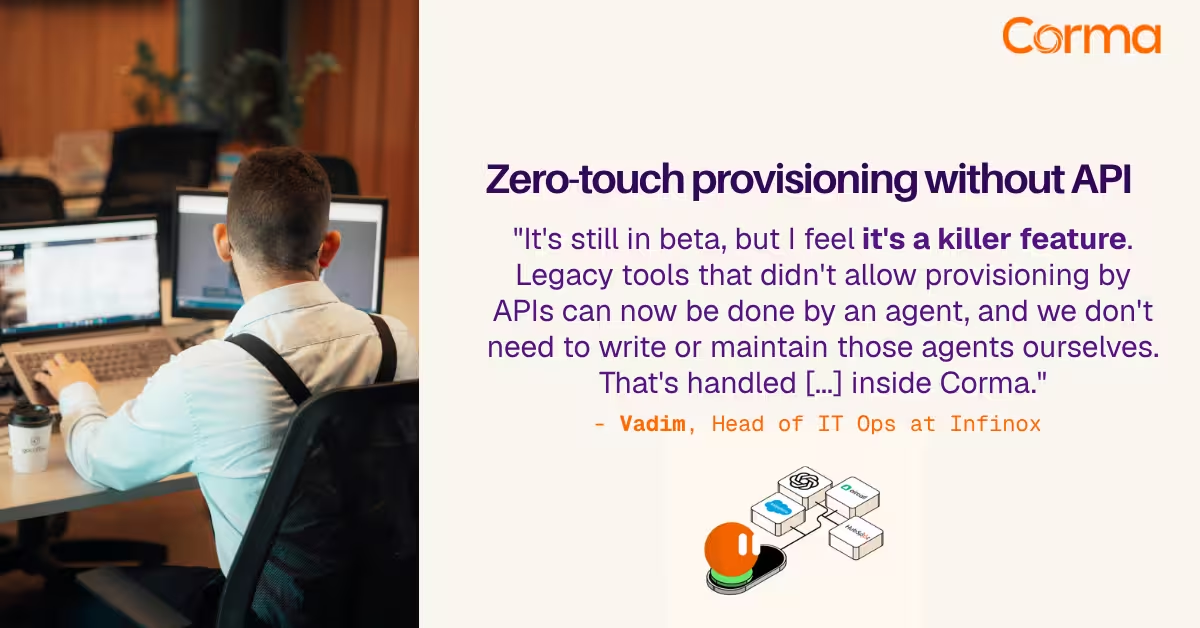
Corma’s custom agents in action at Infinox

Corma vs Torii: a practical alternative comparison for IT teams
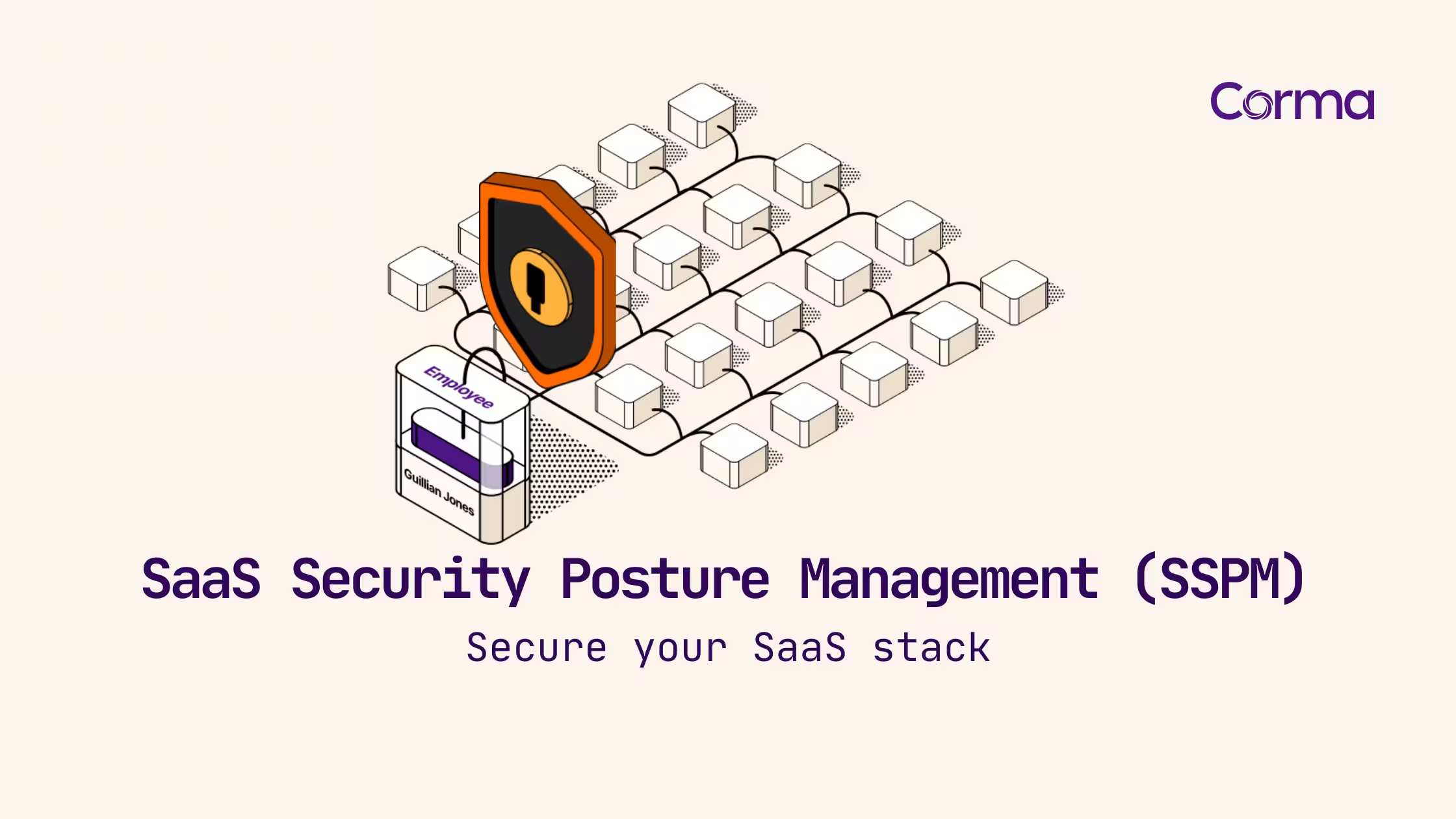
SaaS Security Posture Management (SSPM): the mid-market guide
The new standard in license management
Ready to revolutionize your IT governance?